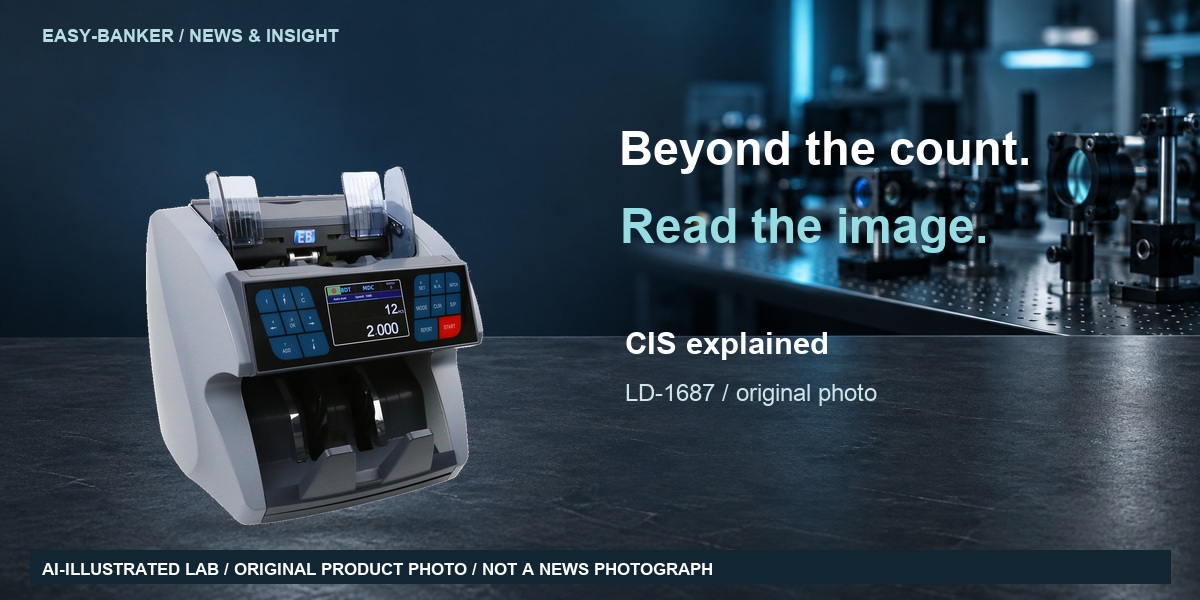

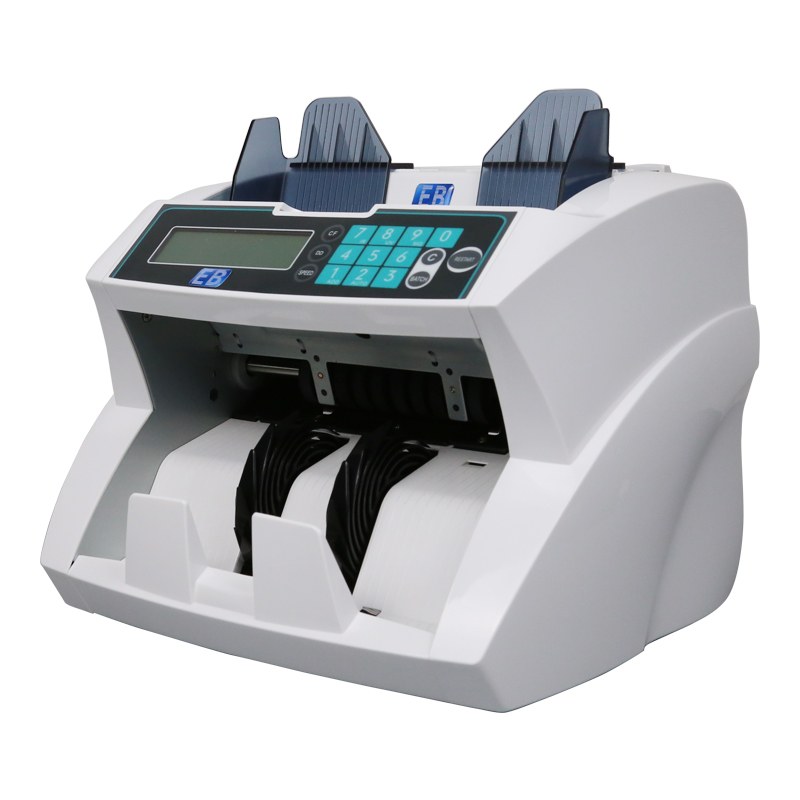
Money counters are built to run for years, but the single biggest cause of premature rejects and false warranty claims is not worn motors - it is paper dust. Every strap of circulated banknotes sheds microscopic fibers, and every counting cycle grinds loose more of them. Left alone, lint films the optical sensors, packs the transport path and starves the cooling fan. Here is the maintenance routine that banks, cash centers and disciplined retail chains actually follow: what to clean, how often, which products to keep away from the machine, and the warning signs that call for service before counts go quietly wrong.
Ask any cashroom supervisor what stops a bill counter first and the answer is almost never electronics. Optical sensors that flag half-notes, chained notes and doubles work by reading a light gap the note passes through; a thin film of lint narrows that gap and genuine banknotes start being rejected as "struck" or "foreign". Transport rubbers that separate one note at a time lose grip when note coating wax glazes them, and doubles slip into the count. The cleaning interval, not the price tag, decides whether a 900-1,900 pcs/min machine holds its accuracy.
Daily - two minutes. After the last session, empty hopper and stacker completely; notes left overnight press settled dust into the belts and keep the feed plate under permanent load. Brush visible lint from the note path with a soft artist's brush - it beats fingers, because skin oil on an optical window attracts more dust than it removes. Wipe the shell with a dry cloth and never spray cleaner directly onto a counter.
Weekly - ten minutes. This tier prevents most reject complaints. Unplug the machine, then clean the optical sensor windows - the small glass eyes beneath the counting chamber - with a lint-free microfiber cloth lightly dampened with 90%+ isopropyl alcohol. Household sprays leave surfactant film; dry paper towels scratch coatings and shed their own fibers. Run the same cloth over the transport rubber: a glossy, glass-smooth roller is glazed with note wax, and a few passes restore the grip that separates singles. High-speed front-feeders need this most - the LD-800 pulls a 300-note hopper at selectable 800/1,200/1,600/1,900 pcs/min through a compact 276x242x245 mm body, and faster transports aerosolize far more dust per hour.
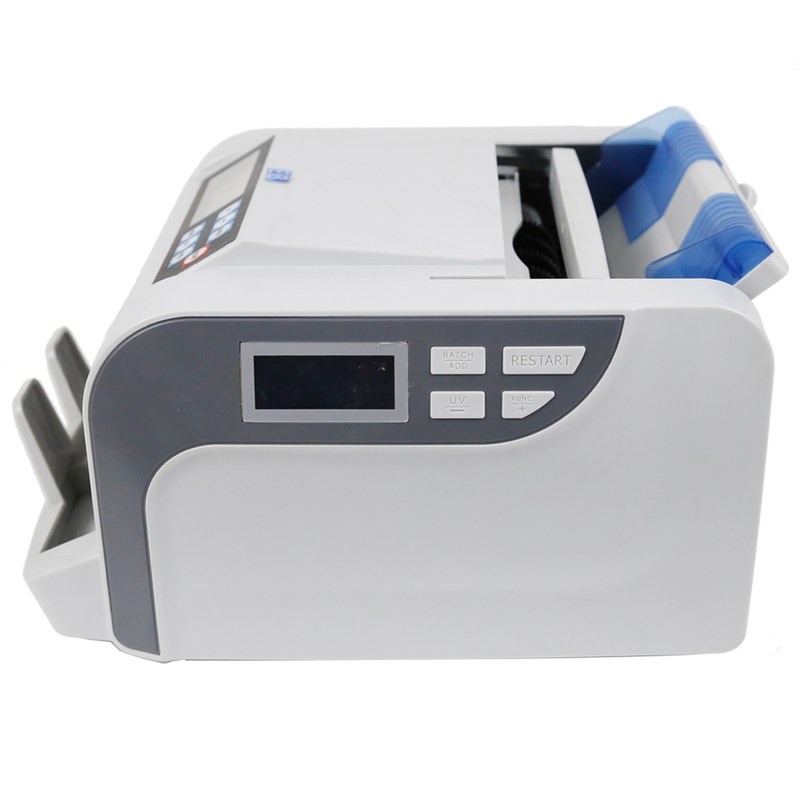
Monthly - thirty minutes. Clear where the airflow lives. Compressed air in short bursts through the note channel and fan vents, can upright so no propellant lands on electronics. Check belt tension: a hopper belt that slides under fingertip pressure instead of springing back is slipping, losing one or two notes per hundred - invisible on a 100-note batch, serious across a month of deposits. Verify the rated note range while you are inside the path: desktop counters such as the LD-2300 accept notes from 50x110 mm to 90x180 mm and 0.075-0.15 mm thick, and forcing bent notes outside that envelope guarantees repeat errors. Respect duty cycles too - machines rated for more than 30 minutes continuous, like the 250x240x220 mm LD-1500 running under 60 dB, cool faster between shifts than through any accessory.
Quarterly - the audit. Run one hand-verified strap of 100 notes through the batch function and confirm the machine agrees. Log it. Banks and cash-in-transit companies increasingly ask suppliers for exactly this paper trail during audits.
Penetrating oils such as WD-40 silence a squeak instantly and turn transport rubber into swollen, sticky scrap within weeks. Wet wipes and detergent sprays film the optics into permanent phantom rejects. Ungrounded household vacuum nozzles in the note path risk static discharge into counting electronics - use anti-static brushes or upright compressed air instead. The safe kit is small: microfiber cloths, 90% isopropyl, a soft brush, an air can.
| Symptom | Most likely cause | First action |
|---|---|---|
| Good notes rejected as struck/foreign | Dust film on optical sensor window | Microfiber + isopropyl clean of the sensor glass |
| Double-note errors on mixed batches | Glazed or worn transport rubber | Alcohol wipe to restore grip; replace roller if wear is visible |
| Count low by 1-2 per 100 | Slipping hopper belt or overfilled feed | Feed within rated capacity (LD-1500: 100 old / 200 new notes) and test belt tension |
| Machine halts mid-batch | Lint-packed fan tripping thermal protection | Compressed-air burst through vents; honor the continuous-work rating |
| Display flicker after cleaning | Residual moisture on contacts | Power off, air-dry 30 minutes; never restart damp |
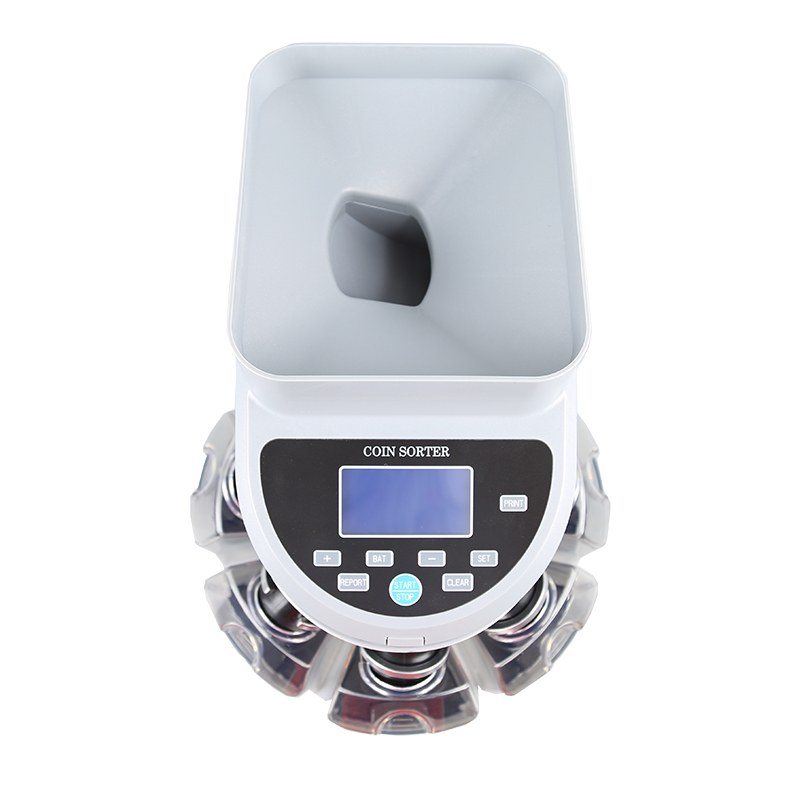
Coin machines collect grit, wire fragments and bottle-cap debris instead of paper lint. On a drawer sorter such as the CS-9500 - up to 1,200 coins/min on 16 mm coin, LCD value display, 500-1,000 coin hopper - the monthly job is pulling every denomination drawer and clearing the sizing discs by hand. Bent coins and loose filament are the classic jam starters, and none of them are mechanical faults. Keep the mechanism dry: water near coin parts means corrosion, so never wash internals; a dry cloth finishes the job.
The number-one reported "defect" in the field is not a defect - it is a dirty sensor. Distributors can buy that problem out cheaply: ship a laminated quick-care card in every carton (daily empty, weekly sensor, monthly air), stock a genuine parts kit per model line - transport roller, hopper belt, sensor-safe cloth - and quote it with the machine so the first worn part is a stocked swap instead of a two-week sea freight. These moves reposition you from box-mover to service partner at tender time.
Easy-Banker machines from 900 pcs/min desktop counters to 1,900 pcs/min front-feeders all run the same routine. Want the quick-care card artwork, a parts cross-reference for a specific model, or a distributor service-kit proposal? Contact our team - factory-direct parts and OEM service programs available.