
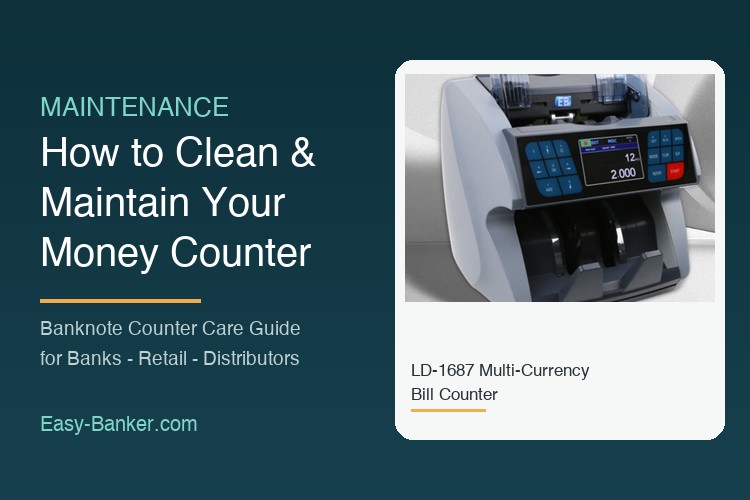
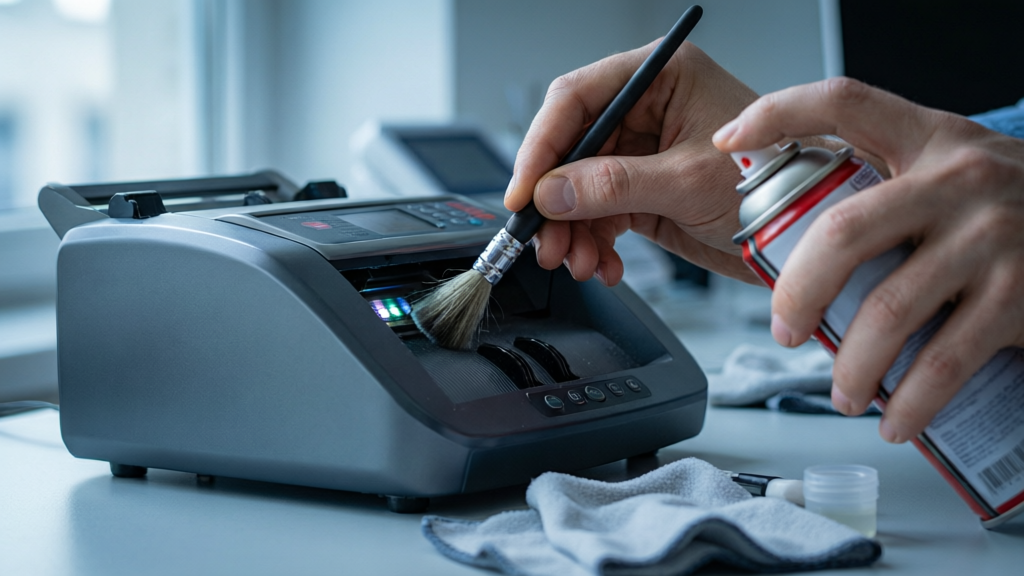
A banknote counter is a precision machine. Every note that passes through it is gripped by rubber feeding wheels, read by optical and magnetic sensors, and stacked at speeds of up to 1,000–1,500 notes per minute. Paper dust, ink particles, tape glue and humidity residue accumulate inside that path every single working day. In our after-sales records, the large majority of "machine fault" reports from banks, supermarkets and cash-in-transit companies turn out not to be hardware failures at all — they are maintenance issues: a dusty counting sensor, a glazed feeding wheel, or a hopper adjusted to the wrong tension.
The good news is that a disciplined cleaning routine takes less than five minutes a day and prevents most of those stoppages. This guide explains exactly how to clean and maintain a money counter — daily, weekly and quarterly — based on the service practice we apply to our own back-feeding bill counters and front-feeding currency counters.

Rule 1 — Power off and unplug. Never clean a counter while it is connected to mains power. Cleaning rollers or sensors under power risks both personal injury and short circuits on the control board.
Rule 2 — No liquid inside the machine. Use a dry or barely damp lint-free cloth on external panels only. Inside the counting path, use a soft brush, a blower (manual bulb type, not compressed-air cans that spray propellant), and cotton swabs lightly moistened with isopropyl alcohol for stubborn glue on rollers. Never spray anything into the chassis.
| Symptom | Most likely maintenance cause | First action |
|---|---|---|
| Frequent jamming | Dust in counting path or wrong hopper tension | Full path cleaning, then tension retest |
| Double-feeding (count too low) | Worn or glazed feeding wheels | Clean wheels; replace if glazed |
| False counterfeit rejects | Dust film on UV/MG/IR sensor windows | Dry-swab the sensor windows |
| Notes not stacking neatly | Dust on stacking wheel / bent stacker plate | Clean stacker, straighten plate |
| Machine stops with no error | Loose power connector or blown fuse | Check cable and fuse before opening chassis |
If cleaning does not resolve a fault, stop there — our troubleshooting guide Why Does a Money Counter Reject Banknotes (and How to Fix It)? walks through the diagnostic sequence step by step.
Maintenance is also a revenue line. We supply wearing-part kits (feeding wheels, stacking wheels, sensor brushes) and service manuals for our counter range, and we train distributor technicians remotely. If you resell banknote counters, bundling a maintenance kit and a one-page cleaning card with every unit measurably reduces warranty claims — most "failures" never reach your bench. Choosing the right machine in the first place matters too; see our practical buying guide for B2B buyers.
Open the chassis only if you are a trained technician. Call for service when: the machine reports a sensor or motor error after a full cleaning; counting accuracy drifts after calibration; or the unit has been exposed to liquid, fire smoke or flooding. For spare parts, firmware files or a service quote, contact our export team via the inquiry form — include the model number and serial number from the rear label.
Easy-Banker manufactures banknote counters, currency detectors and cash handling equipment for B2B distributors worldwide, with OEM/ODM support and factory-direct supply.